Your clients' sleep logs, without chasing them.
Families log their baby's sleep in the free nappi app. You see every night organized in one place, only for the families who agree to share with you.
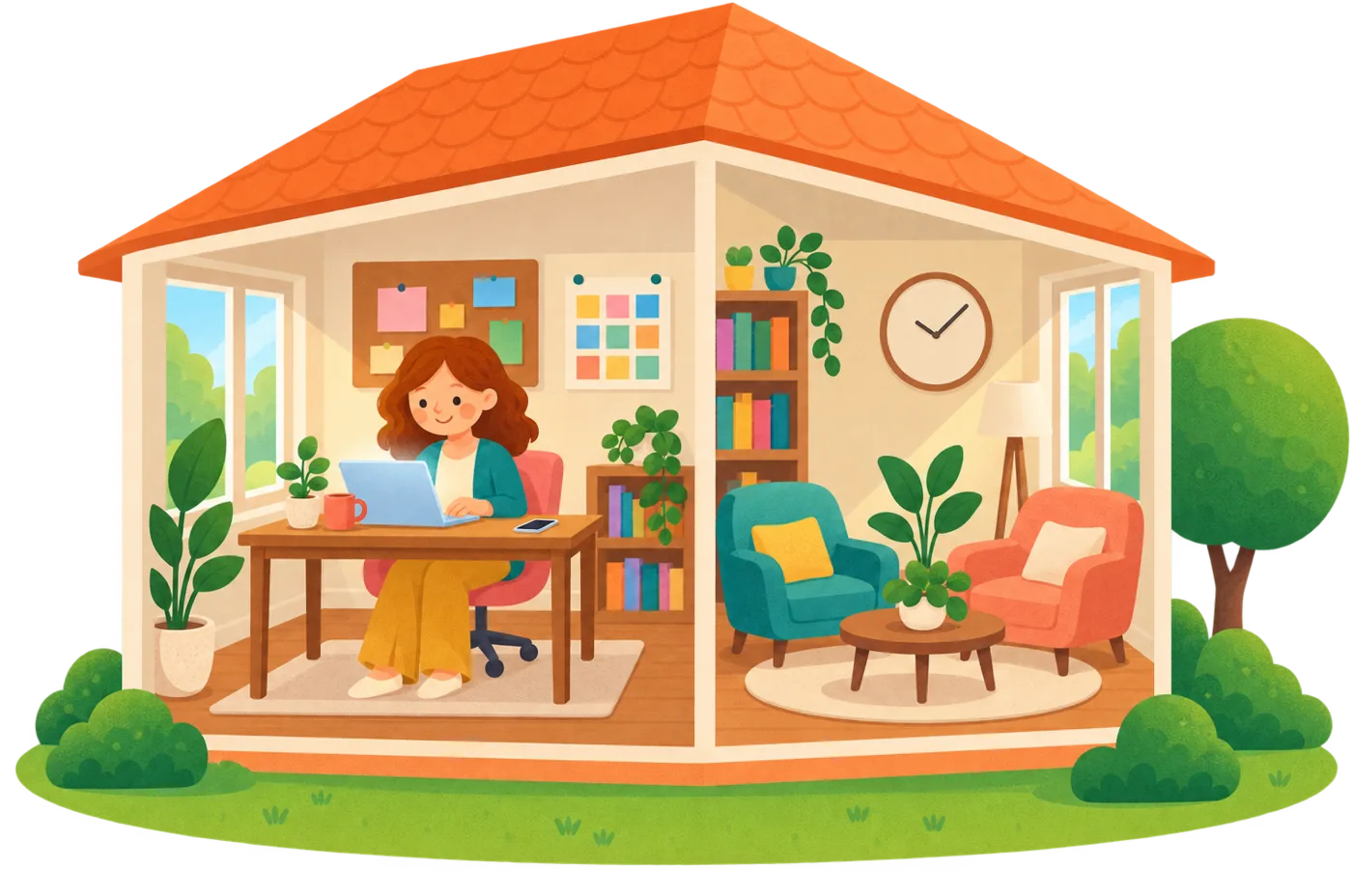
Sleep logs kept by hand don't last
Families start a spreadsheet, then drop it halfway through the program. The gaps show up right when you need the data, and you're back to asking for screenshots.
They log with a tap in an app they'd use anyway. Each night shows up on your side as soon as they save it.
How a program runs on nappi
The same shape as your packages, from the first message to the last call.
- Day 0Send your linkBy WhatsApp, email or Instagram. The family installs nappi for free, sees exactly what you will see and says yes.
- Every nightThey log in two tapsOn the phone, the watch or the lock screen, half asleep and in their own language.
- Every morningYou see who needs youShorter stretches against the baby's own baseline, and logs that went quiet. One tap reminds them.
- Before each callThe whole pictureEvery night on a calendar, night by night with your fields, and your plan next to what happened.
- Last dayProgram completeThe family shows as complete in your caseload, keeps nappi for the toddler years and can stop sharing anytime.
 Every morning
Every family's last night on one screen
Who slept longer, who to look at today, and who hasn't logged yet. This is the real dashboard, filled with sample families.
Try it: pick a family to open the full demo.
 When a family goes quiet
Nudge families who fall behind
Families whose sleep changed against their own baseline, or whose logs went quiet, come first. One tap sends a friendly reminder to log, so the data is complete before your next session.
Try it: send a reminder, or mark a family reviewed.
 Before each call
Every night, on one calendar
Naps, night sleep and feeds from what the family logged, laid out 7am to 7am. It's the sleep log families used to fill in by hand, built for you.
 Every night
Your method, your fields
Add the fields your method uses, like Check-ins for check and console, and name your methods the way you teach them. Families fill in your fields when they add details to a sleep, and you read them night by night.
- Your own fields. A number, a short note or a pick-list, with the label you choose.
- Your method names. Tag each family with your method, in your words.
- Night by night. Each value sits next to that night's sleep in the family's log.
Try it: change the check-ins on the family's side.
Private, family by family
Each family decides what you see. Here's exactly how sharing works.
- Only families who said yesA family shows up on your dashboard only after it accepts your invite in nappi. Only you, and teammates you add, can see it.
- Families never see each otherEach family sees only its own baby's data, never your other families'.
- One tap to stop sharingA family can stop sharing with you anytime from the app. Their logs stay in their account.
- Read-only for youYou read their logs and send notes. You can't edit or delete anything they logged.
- Sleep
- Feeds
- Diapers
- Growth
- Solids
- Activities
- Pumping
- The plan you set
Read-only. You can't edit their entries.
Pricing
You pay per consultant, never per family. Families never pay to connect with you.
- Free while you're in the pilot. No card needed.
- Founding partners keep a low-volume rate afterwards.
- We'll give you notice before anything is charged.
- Unlimited families during the pilot
- Dashboard and sleep log per family
- Your own fields and method names
- Direct help from the nappi team
- Up to 30 active families
- Dashboard, sleep log and typical day
- Logging reminders and notes to families
- Your own fields and method names
- Unlimited families and consultants
- Assign families to each consultant
- Everything in Professional
Questions
How do families connect with me?
You send a family your invite link. They open it in nappi, see who you are and exactly what you'll be able to see, and accept. They can stop sharing anytime from the app.
Can my clients see each other's data?
No. Each family sees only its own baby's data in its own app. Families never see each other, and you only see the families who accepted your invite.
What exactly can I see?
Sleep, feeds, diapers, growth, solids, activities and pumping, plus the plan you set and the notes you send. It's read-only: you can't edit or delete what a family logged.
Can I track what my method needs?
Yes. In Settings you add your own fields, like a Check-ins count, and your own method names. Families see your fields under “Sleep consultant fields” when they add details to a sleep, and you see the values night by night.
Does it replace my method?
No. nappi reports what happened: totals, longest stretches, wakings. The method, the reading and the plan stay yours. It never gives advice.
What do my families pay?
Nothing to connect with you. nappi is free to download and log with. Some extras, like SleepSense predictions, come with a free trial and then a Premium plan, but sharing with you never costs a family anything.
I only have a couple of clients. Is it worth it?
That's who the pilot is for. It's free while you're in it, and founding partners keep a low-volume rate afterwards, so a small caseload stays affordable.
What happens after the pilot?
We'll give you notice before anything is charged. Founding partners keep a low-volume rate. If you decide to stop, your families keep using nappi as usual.
Which languages does it support?
English, Spanish, Portuguese, Italian, French and German. Your dashboard and each family's app follow the language each person picks, so a family can log in Portuguese while you read in Spanish.
Which devices does it work on?
Families log on iPhone or Android, and on Apple Watch or Wear OS watches. You open the dashboard in any browser, on a laptop or a phone.
Who is it for?
Infant sleep consultants, working solo or with a team, and other professionals who follow a family's sleep and feeds, like doulas and night nurses. If your clients keep a sleep log today, nappi replaces the spreadsheet.
See it with sample families first
The demo needs no sign-up. When you're ready, join the pilot and invite your first family.